
How to Get Court Records
The Clerk of Court at Elbert County Combined Court maintains District Court and County Court files. Start online with the free docket when the goal is a hearing date. Use CoCourts for eligible case history. Use the statewide Record/Document Request Form for a docket sheet, named filing, order, judgment, plain copy, or certified copy. The county's general open-records route is for administrative county records, not Judicial Branch case files.
- Identify Elbert County, the court, case number, caption, and exact document or filing date.
- Submit the online record form, visit the clerk at 751 Ute Avenue, or call 303-621-2131 to confirm the correct route.
- For mail, first confirm the copy fee, payment method, return-envelope needs, and address requirements with the clerk.
- State whether an electronic, paper, plain, certified, or exemplified copy is needed.
- Provide photo identification only when the form conditionally requires it for suppressed, juvenile, probate, or protected material.
- Wait for the availability and fee response, then pay as the clerk directs. Elbert does not accept faxed documents.
Email questions about research or off-site retrieval can go to ElbertResearch@judicial.state.co.us. Authorized filers may use Colorado Courts E-Filing, but it is not the anonymous public records portal. Ask whether a public terminal is available rather than assume one exists.
Elbert County Court Records Form
The official Record/Document Request Form routes a request to the selected county. It asks for requester contact and mailing details, Elbert County, a case number or caption, a description of each document, and available delivery or certification choices. Describe the item closely. “Signed order entered on the stated date” is more useful than “all records.”
The official court record request form assigned to Elbert County court records appears below.
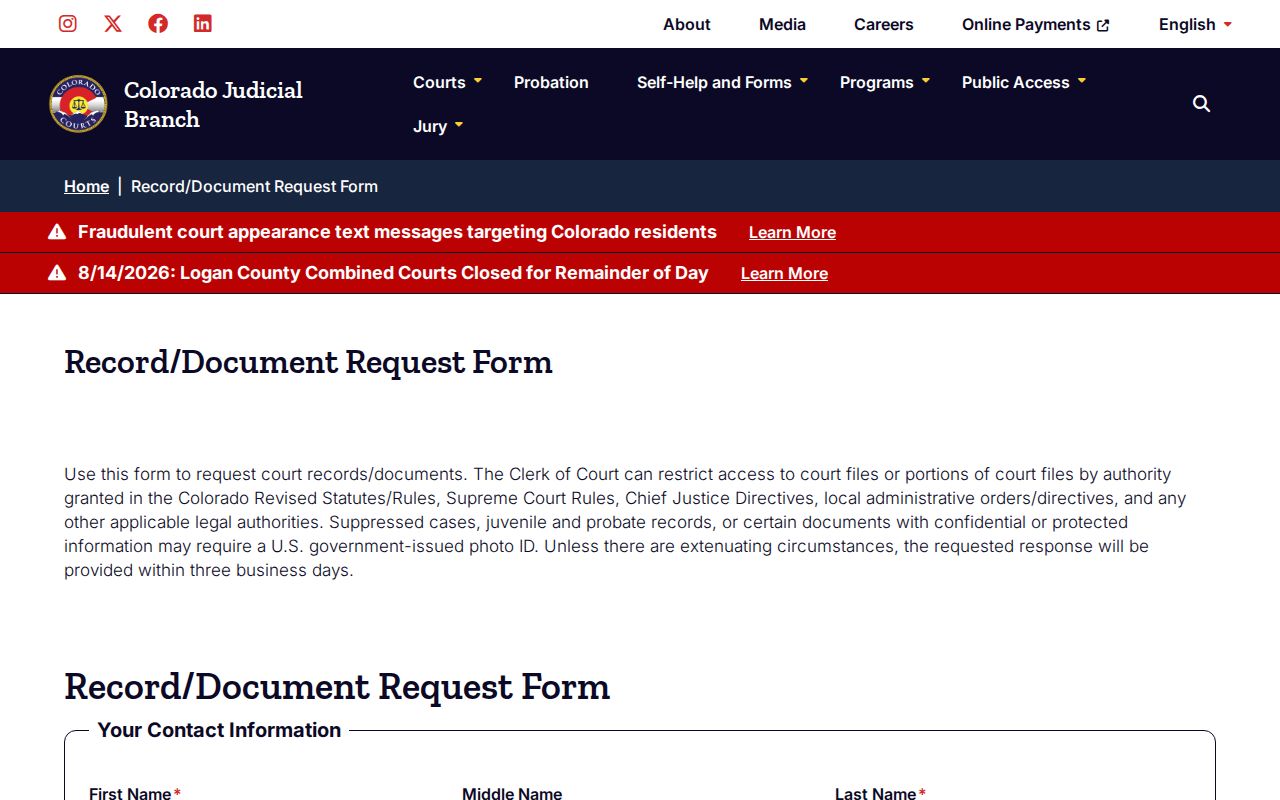
The form sends the request to the court file custodian rather than the county recording office.
Types of Court Records
Elbert County court records exist in layers. The free calendar is an index of settings. A register of actions or case history is the dated event list. The case file contains accepted documents. A certified copy is authenticated by the clerk. A transcript is created from the spoken proceeding through a reporter or transcriber and follows a separate process.
- District Court felony, major civil, domestic-relations, juvenile, and probate files
- County Court misdemeanor, traffic, small-claims, and limited civil files
- Docket sheets and chronological registers of actions
- Complaints, petitions, answers, motions, notices, and other filed papers
- Signed orders, judgments, decrees, and certified copies
- Transcripts and exhibits, subject to their separate access and production rules
Elizabeth, Kiowa, and Simla municipal clerks keep their own ordinance and municipal traffic records. An appeal or separate state case can create a related entry at Combined Court.
Elbert County Records Response Target
The Judicial Branch request form says a response ordinarily will be provided within three business days absent extenuating circumstances. That is a response target, not a promise that every file will be copied and delivered within three days. Off-site retrieval, redaction, identification checks, a large document set, or judicial review can take more time.
A precise case number and document description reduce avoidable research. If an older file is likely off site, give the court, county, approximate year, record type, and any known number. The clerk can then identify retrieval cost and availability. Note: Ask for status through the same request channel before filing a duplicate request that could split the response history.
What a Court Record Contains
The complete Elbert County case file is broader than a calendar result. It can include the identifying header, formal caption, party and counsel entries, accepted filings, notices, settings, signed rulings, disposition, and permitted financial information. Access varies by case type and document. The absence of an item from remote display does not prove it is absent from the official file.
| Case Number | The year, class, and sequence that identify the file, such as 2026-C-00123. |
|---|---|
| Pleadings | Complaints, petitions, answers, and motions accepted into the file. |
| Orders & Judgments | Signed directions, rulings, decrees, or final determinations. |
| Docket Sheet | The chronological register of filed events and settings. |
| Notices | Setting notices and other notices furnished in the case. |
| Exhibits | Filed evidence or attachments, when public and available under court rules. |
Ask for a specific filing when the register only proves that an event occurred. The document itself supplies the substance.
Elbert County Court Records Layers
A docket row, filed document, and certified copy are not interchangeable. A row can confirm that a motions hearing is set. It does not reveal what the motion says. The filed motion contains that text. A signed order records the judge's ruling. A certified order adds the clerk's authentication when official proof is required.
| Record | What It Shows | Source |
|---|---|---|
| Calendar row | Public hearing logistics | Free Judicial Docket Search |
| Case history | Chronological events | CoCourts or clerk |
| Plain filing | Document text without certification | Clerk request |
| Certified copy | Clerk-authenticated reproduction | Clerk request |
Select the layer that matches the needed proof. Certification cannot be added by printing a portal result at home.
Certified Copies and Fees
Certification comes only from the Clerk of Court. A portal printout is not a certified court record. Current statewide estimates in the research should be checked when the request is submitted because a live schedule or waiver can control. Parties and party attorneys have a stated maximum for ordinary copies, while nonparties do not have the same maximum.
| Item | Current Statewide Estimate |
|---|---|
| Copies | $0.25 per page; party or party-attorney maximum $15 |
| Transcript of judgment | $25 |
| Certificate of satisfaction | $20 |
| Certified or exemplified copy | $20 per document, plus applicable copy charges |
| Name search | $5 |
| Off-site retrieval | Actual cost |
| Research or redaction | $30 per hour in 15-minute units after the first hour |
Elbert County Combined Court Clerk
751 Ute Avenue
Kiowa, CO 80117
Mail: P.O. Box 232, Kiowa, CO 80117
303-621-2131
Elbert County Court Records Transcripts
A transcript comes from the reporter or transcriber, not the copy counter. Form JDF 4 identifies the requester, case, division, judicial officer, event date and time, and whether all or part of the proceeding is needed. It also supports ordinary, expedited, overnight, or hourly delivery when the stated conditions are met. The transcriptionist contacts the requester about payment.
Published research rates include $3.60 per page for ordinary delivery within 30 days and $4.35 per page for expedited delivery within 10 days. Overnight and hourly rates require a court order. A small-claims appeal audio item is listed separately. Verify the current schedule and ask the clerk which reporter covered the event before ordering.
Older Elbert County Court Records
Colorado's public-access layers developed over time. CoCourts began statewide public case access years before the current Judicial Branch calendar gained its modern printable and export views. Older Elbert County material may be off site or transferred to the Colorado State Archives. That does not make the county recorder the court custodian.
Start with the Combined Court clerk and provide the case number, court, approximate year, and record type. If the clerk identifies an archival transfer, follow the Archives route. Retrieval is charged at actual cost when the form requires an off-site file. Call before travel because the research does not establish that every older series is held in Kiowa.
Elbert County Federal Court Records
Federal cases connected to Elbert County do not belong in the Colorado state docket. They use PACER and CM/ECF in the U.S. District Court for the District of Colorado, with bankruptcy records through the U.S. Bankruptcy Court. RECAP can provide free copies that users previously contributed, but its collection is incomplete and is not a certified source.
The RECAP federal records search is the assigned source for this distinction.
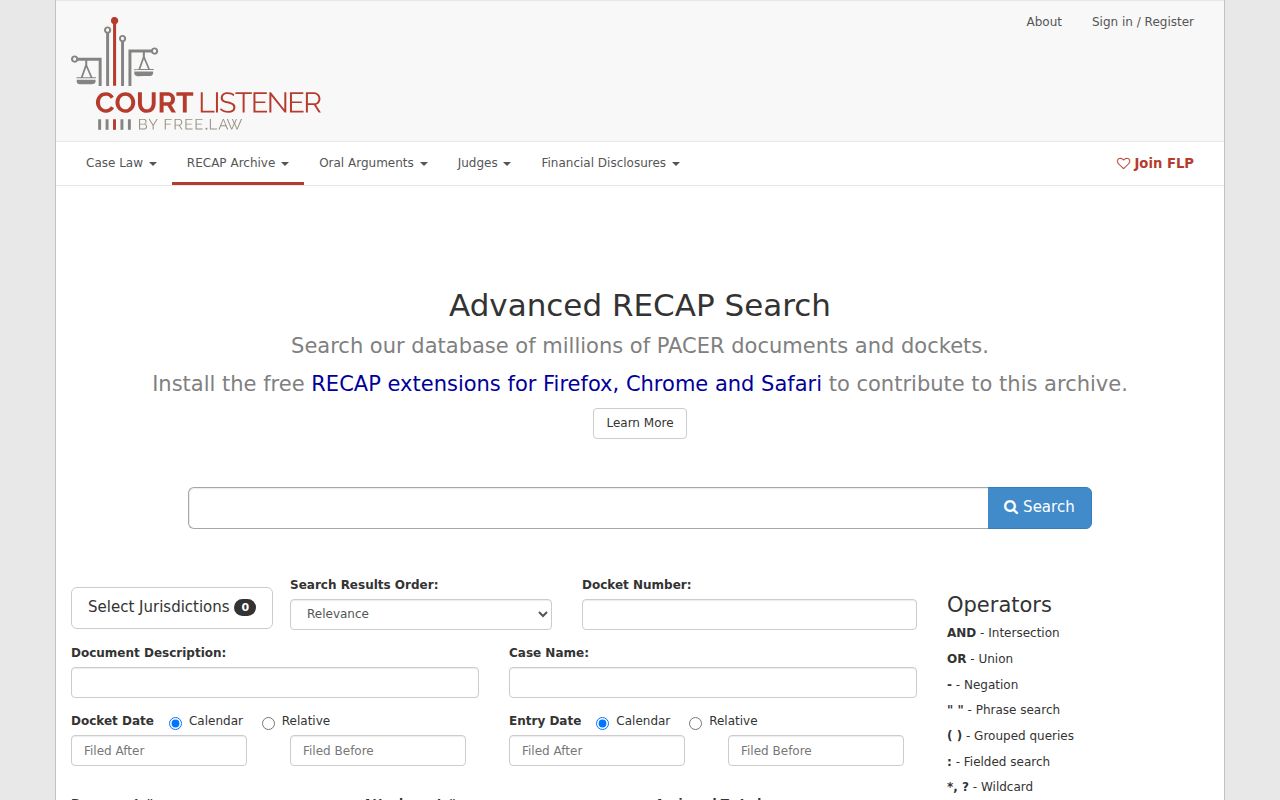
The image reinforces that federal and state records use separate custodians and search systems.
Elbert County Records Identification Rules
The request form warns that suppressed cases, juvenile and probate records, and documents with confidential or protected information may require a U.S. government-issued photo ID. Identification does not create a right to sealed material. It helps the clerk evaluate whether the requester is an authorized party and what further proof or order is needed.
Protected exhibits and sealed portions may require judicial authorization. Personal identifiers are redacted even in otherwise public records. Ask for lawful access to a named item rather than asking staff to bypass restrictions. When only part of a file is sealed, the clerk can explain what public portions remain available.
Public Access and Sealed Records
Colorado court case files primarily follow Judicial Branch access rules rather than an ordinary Elbert County administrative-record request. CJD 05-01 distinguishes remote and facility access, sets exclusions, and addresses fees and correction processes. The Colorado Open Records Act governs executive and administrative records, while the Colorado Criminal Justice Records Act addresses records held by criminal-justice agencies. Those agency records are not the court's register of actions.
Key rules: CJD 05-01 sets the main court-record access framework; C.R.S. §13-1-119 supplies a statutory court-record basis; and Title 19 gives juvenile records heightened protection.
The official CJD 05-01 source assigned to Elbert County court records appears below.
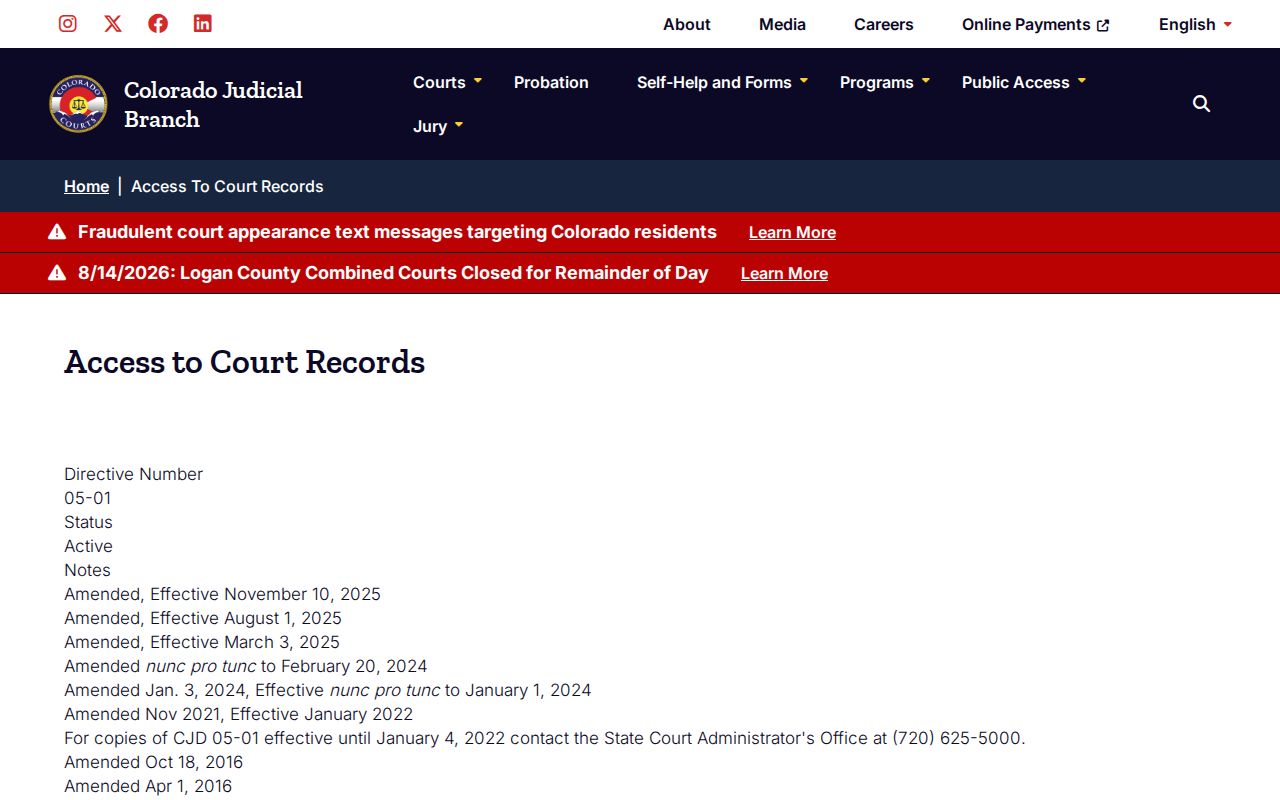
The directive explains why a public file can contain more than the remote portal displays.
Elbert County Administrative Records Rule
Judicial Branch administrative records follow Public Access to Information and Records Rule 2 and its current amendments. That category is distinct from a litigant's complaint, motion, order, or judgment. The three-business-day framework in the administrative rule should not be used to promise immediate production of a protected or off-site case file.
The official public-access rule change is the assigned source for this boundary.
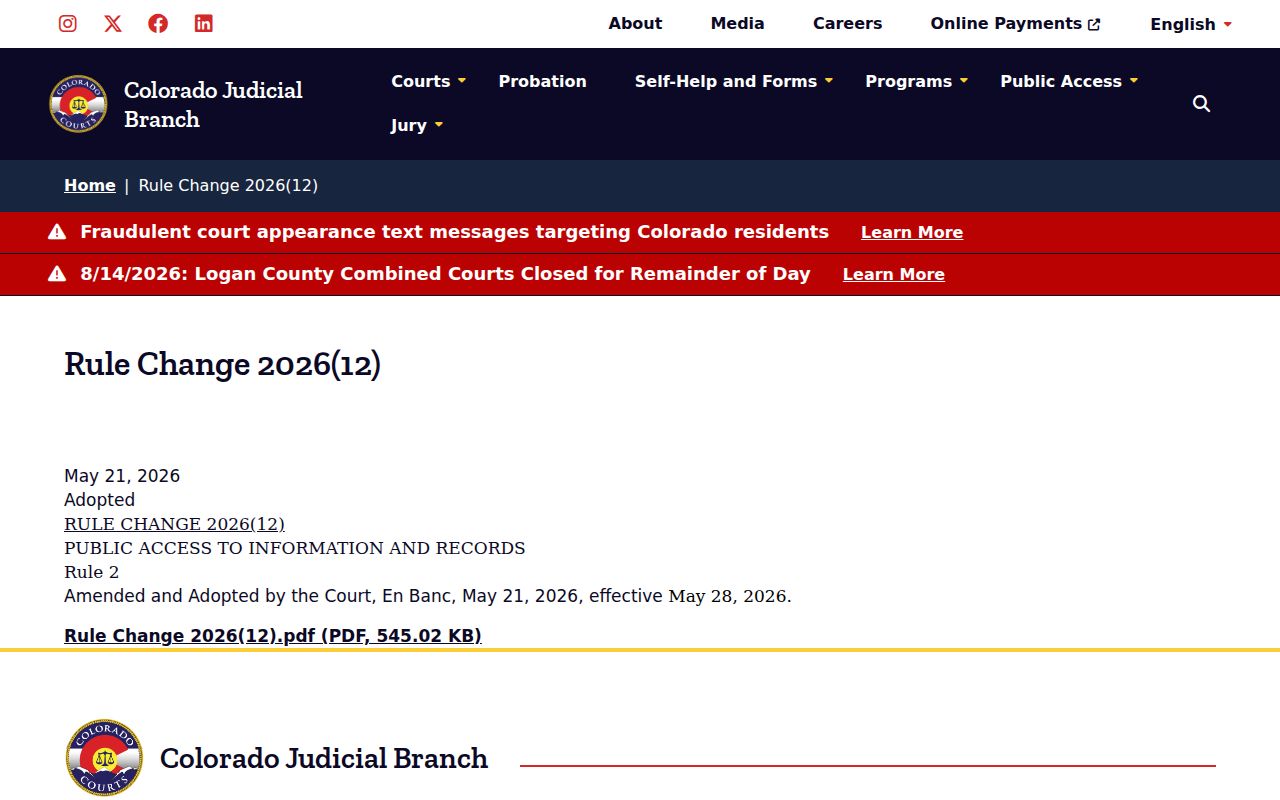
The source helps separate court administration requests from requests for documents filed in a specific Elbert County case.
Route Elbert County Court Records
The Combined Court clerk is the correct custodian for Elbert District Court and County Court records. The elected Clerk and Recorder at 440 Comanche Street handles recorded instruments, elections, and vehicle work and cannot certify a court judgment. Each municipal clerk keeps its own town docket. Federal clerks keep federal files. The Elbert County case search can supply a state case number before a document request.
Routing the request by court prevents delay. Include the case number, exact item, desired format, and certification need. For an older record, add the approximate year. For a transcript, identify the event date and type. For a sealed or protected item, be ready to show the proof or order the clerk requires.