
The Elbert County Court Calendar
Elbert County does not publish a separate county-made PDF schedule. State District Court and County Court settings appear in the Colorado Judicial Branch Docket Search. The county-filtered view lists hearings for Elbert County Combined Court and can be narrowed by court type, division, date, case number, party, or attorney. It is a live search of settings rather than a complete register of actions. Pleadings, charge statutes, bonds, judgments, balances, and filed images do not appear in its public result rows.
The Elbert County court calendar is organized around each scheduled event. One case can have many settings over time, and one setting can produce more than one displayed name row. The case number is therefore a safer match than a party name alone. District Court Division 1 and County Court Division A both use the state calendar. Elizabeth, Kiowa, and Simla municipal matters may remain with their town courts instead.
Elbert County Court Calendar Filters
The official Elbert County docket search opens with the county location selected. A one-week view is useful when the exact date is close but uncertain. Searchers can choose Court Type, enter a division, select a preset date range, or supply a specific date. A case-number search separates the four-digit year, case class, and sequence. Party and attorney modes provide other routes when the number is unknown.
The official Elbert County calendar interface shown below is the source for hearing dates.
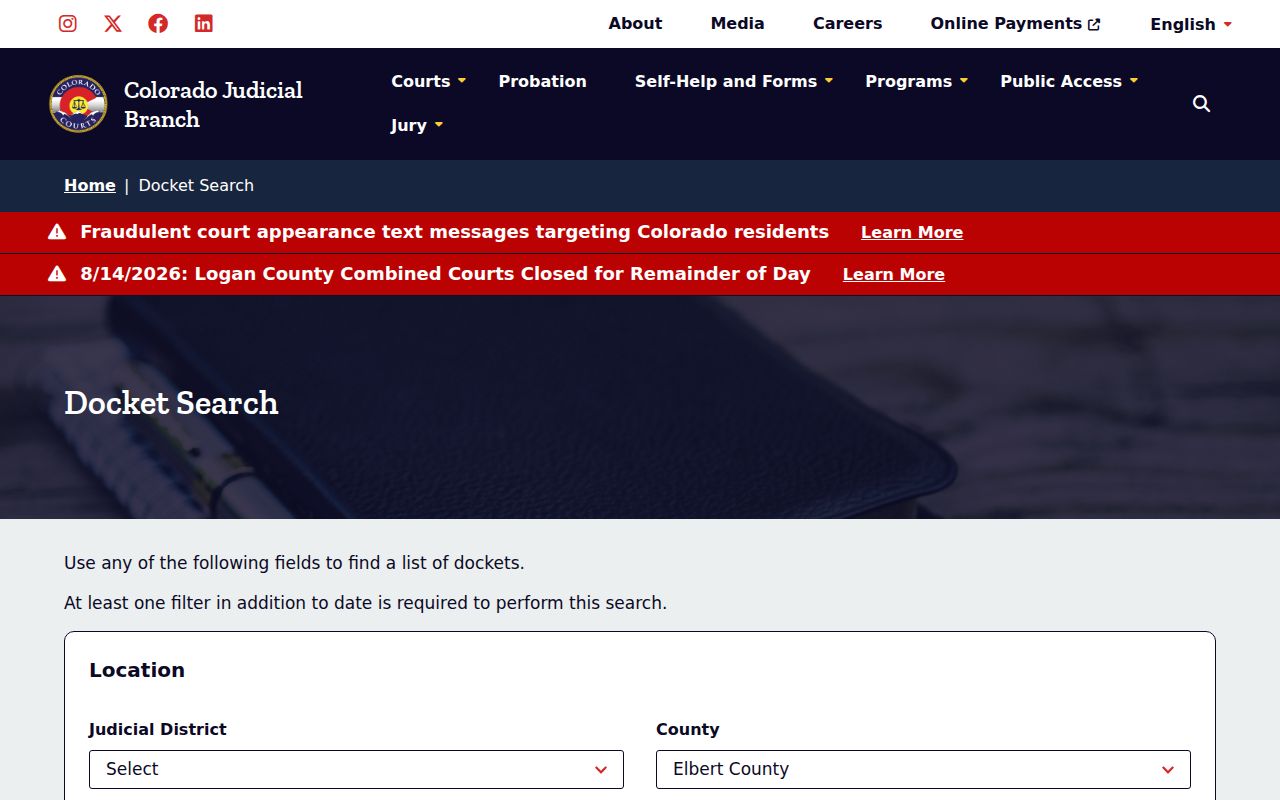
The image reinforces the key limit: the search locates settings, while the clerk supplies documents and certified records.
How to Find Your Court Date
Use every available channel when the date matters. The online calendar is the quickest first check, but the clerk, a signed order, counsel, and the issuing municipal court may hold more current or more specific information. The courthouse material does not confirm a public terminal, so callers should ask whether one is available rather than assume access.
- Open the county-filtered Judicial Branch calendar and verify that Location reads Elbert County.
- Search by complete case number when possible. Otherwise use a narrow date range, party name, business name, or attorney details.
- Match the case number and record the hearing type, date, time, appearance type, and courtroom label.
- Review the latest signed notice or order and contact counsel if represented. An order controls when it conflicts with an older search result.
- Call the Clerk of Court at 303-621-2131 or ask at the counter at 751 Ute Avenue in Kiowa when the result is absent or unclear.
- For an ordinance or municipal traffic case, contact the Elizabeth, Kiowa, or Simla municipal court named on the citation.
Printed or posted courthouse information can be checked at the counter, but an old printout should not override a later order. The statewide portal is the county portal in this system, with Elbert selected as the location. There is no documented Elbert text or email reminder program.
Elbert County Calendar Appearance Types
Appearance Type controls how a person attends. The Elbert County calendar can show in person, virtual, telephone, no appearance required, or a blank field. A virtual label does not itself supply the meeting link. The official virtual courtroom page is separate, and remote attendance still must be authorized by the court or order. Watching a public livestream does not count as appearing.
- In person
- Report as directed by the setting or signed notice.
- Virtual
- Use the court-authorized remote room and follow the order's instructions.
- Telephone
- Join by the number or process furnished for that event.
- No appearance required
- The label applies to that event, not to every later event in the case.
When the field is blank, do not guess. Confirm the appearance method with the clerk or counsel.
Reading a Court Setting
An Elbert County court calendar row combines logistical fields. Read them together. A familiar name with a different number may be another case, while two names attached to the same number may be two party rows for one hearing. The displayed hearing type describes the next event, not the final outcome of the case.
| Date | The scheduled day, with duration displayed in the date area. |
|---|---|
| Time | The listed start time for this calendar event. |
| Courtroom | A local label such as 1, A, COC, or FCF. Repeat it exactly when asking the clerk. |
| Judge | The assigned judicial officer may be confirmed through the case or court staff, although the basic result inventory centers on the courtroom. |
| Setting Type | Examples include arraignment, preliminary hearing, pretrial conference, motions hearing, sentencing, return date, and initial conference appearance. |
| Appearance | In person, virtual, telephone, no appearance required, or blank. |
Repeat each displayed label exactly when confirming the setting. Courtroom abbreviations should not be expanded by guesswork.
Elbert County Calendar Print Options
The calendar offers Printable Version and Export Results. Both can preserve a neutral snapshot of the fields that matched at the time of the search. Neither turns that snapshot into a signed court order or certified record. An export may help sort several hearings, while the printable view is easier to carry or share with counsel. Recheck the live result before the hearing because settings can move.
The statewide Judicial Branch calendar supplies the same location-first search layer.
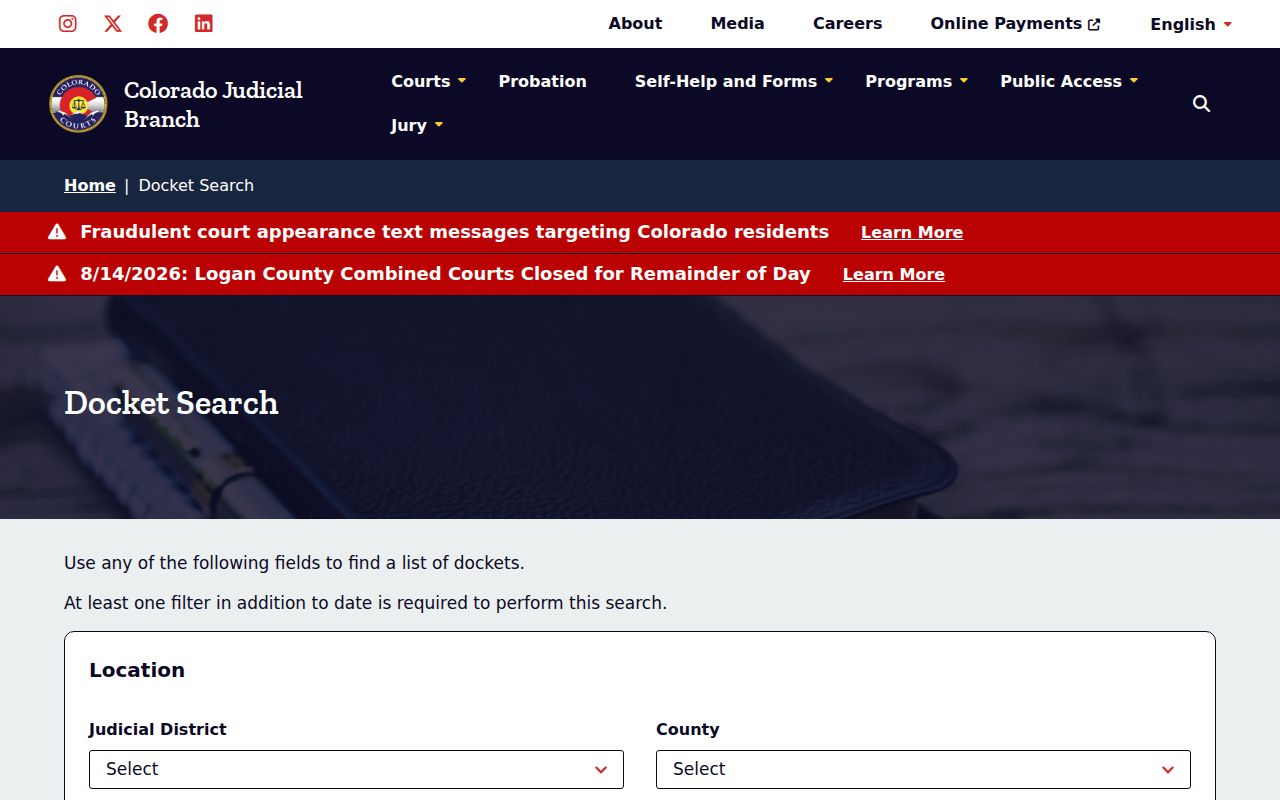
This statewide entry point becomes an Elbert County court calendar after the Elbert location filter is applied.
Note: A saved calendar is evidence of what the system displayed, not proof that a later continuance or emergency notice did not change the setting.
Resets, Continuances, and Cancellations
A continuance moves a hearing to a later date. A reset is the newer setting that follows. The earlier event can remain in case history even though the latest signed order now controls. A cancellation may remove a current event from the search without dismissing the whole case. None of these calendar changes proves a final result by itself.
After any announced change, search again with the case number and widen the date range if needed. Compare the result with the newest notice or order. Then call the clerk if the two sources conflict. Weather closures and emergency notices posted by the Judicial Branch can supersede an ordinary calendar entry. Counsel should also be consulted when the party is represented.
Elbert County Weekly Calendar Rows
The one-week result is helpful for a cluster of upcoming hearings. It can show date, duration, time, displayed name, case number, hearing type, county, appearance type, and courtroom. Results paginate in groups of twenty. The name field may repeat a case once for each party, so a row count is not a sound case count. Match the complete number before drawing conclusions.
The source view for the weekly Elbert County court calendar appears below.
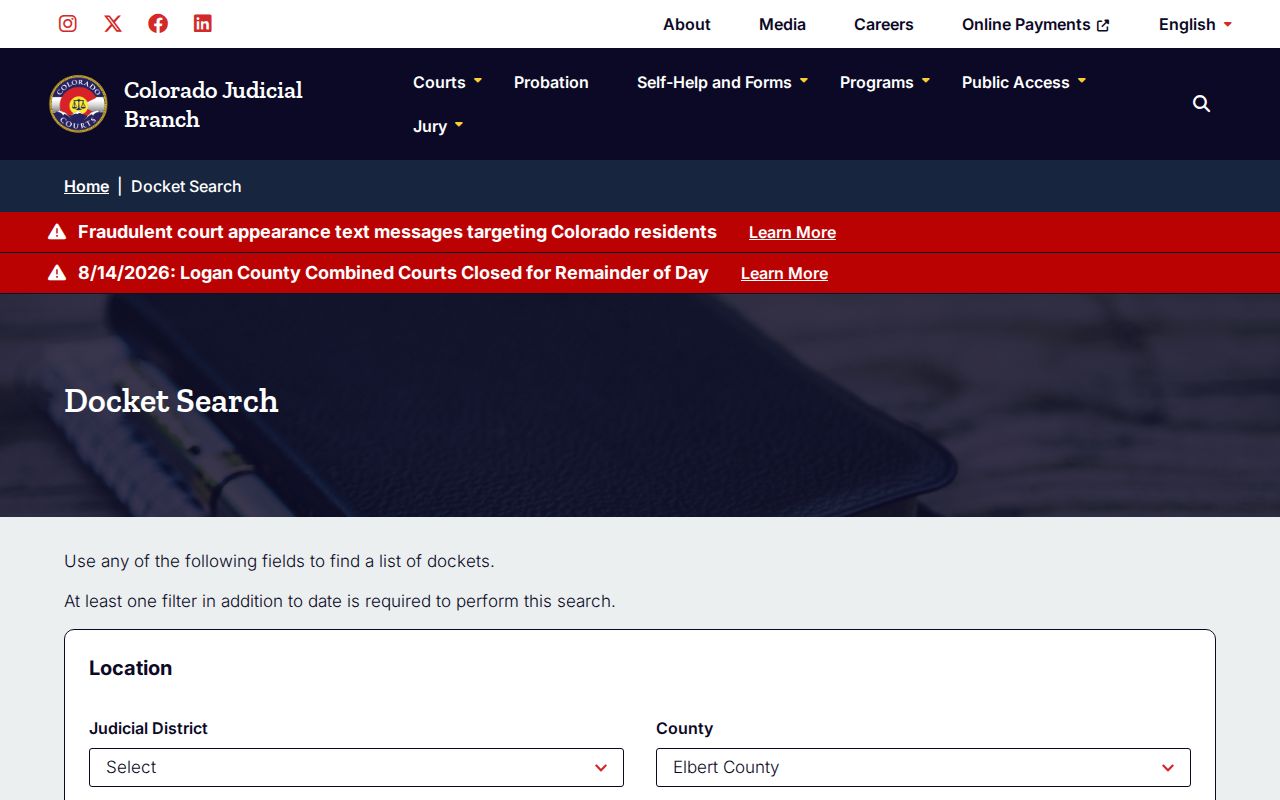
The weekly view is strongest for date logistics and weakest for the substance of filings, rulings, charges, or balances.
Elbert County Calendar Setting Terms
Local hearing labels identify a stage, not the outcome. Arraignment addresses charges and a plea. A preliminary hearing tests whether enough cause exists to continue in an eligible criminal case. A motions hearing addresses specified requests. PreTrial Conference and PreTrial Readiness Conference mark preparation stages. Sentencing Hearing follows a disposition but does not reveal the sentence in the free row.
Civil and family labels need equal care. Return Date on Summons can say no appearance required. Initial Conference Appearance may involve domestic-relations or facilitator work and can be by telephone. Return Filing of Charges is a filing or status return, not a conviction. The Elbert County case search can help match the calendar number before a document request is made.
Elbert County Saturday Bond Calendar
The main Elbert County court page advertises weekend bond hearings on Saturdays at 2:00 p.m. A detailed virtual-room source has also displayed 2:30 p.m. That official-source conflict is material. The individual case setting and direct clerk confirmation should decide the time. Never select one published time in silence when two current court pages disagree.
Check the case itself. Use the listed case number, read its appearance type, and call 303-621-2131 before relying on a general weekend schedule.
Missing Elbert County Calendar Results
A blank search does not prove that no case exists. The event may fall outside the chosen range, the party name may be formatted differently, or the case may have no current hearing. A suppressed or juvenile matter can also have limited remote visibility. Municipal court cases may never appear in the state calendar unless a separate state case or appeal exists.
Confirm Elbert County, court type, year, class, and sequence. Widen the date range. Try the exact case number before a name. Next, contact the clerk and ask whether the file is suppressed, off site, or held by a municipal court. Do not infer dismissal from online silence.
What To Do If You Miss a Setting
Act at once after missing an Elbert County setting. Contact counsel if represented, then call the Clerk of Court to confirm what the docket now shows and whether a new order has entered. Do not simply appear at a later calendar call without instructions. The correct response depends on the case type, the judge's order, and any failure-to-appear action already taken.
Missed a setting? A missed criminal or traffic setting can lead to failure-to-appear action, including a warrant or other court order.
Call 303-621-2131, follow counsel's advice, and obtain the newest setting or signed order before taking the next step.
Confirm Elbert County Court Dates
Elbert County Combined Court is at 751 Ute Avenue, Kiowa, Colorado 80117. The clerk's regular published hours are Monday through Friday, 8:00 a.m. to 4:00 p.m., excluding state holidays. Call before travel when weather, a holiday, or an emergency notice may affect operations. The mailing address is P.O. Box 232, Kiowa, CO 80117.
For an online conflict, provide the complete case number, hearing date, setting type, appearance type, and courtroom label. Those exact fields let staff identify the event without relying on a common name. If the question concerns a filed notice or signed order rather than the calendar row, request the document from the clerk.