
How to Search Civil Dockets
Need an upcoming civil setting? Open the Elbert County Judicial Branch Docket Search. Confirm the Location field reads Elbert County before you run a docket search. The tool splits a full case number into year, class, and sequence. You can also search by party, whether a person or a business. Attorney name and bar number work too. Hearing questions? Narrow the date range first.
Before you type anything, guess the class. A CV file is District Court civil. A C file is County Court civil, which includes limited civil matters. DR means domestic relations, and small claims also live on the County Court side. Every channel is covered in turn below: the free calendar, CoCourts case history, the Judicial Branch document form, the Kiowa counter, mail, and telephone.
- Open the county-filtered docket and verify Elbert County. Select District or County Court if the civil case class is known.
- Enter the year, case class, and sequence exactly as printed. If no number is known, choose individual or business search and enter the party name.
- Match the number, then read date, time, duration, hearing type, appearance type, and courtroom. A repeated party row may represent the same case.
- Use CoCourts when a chronological case history is needed. A no-result on the free calendar may only mean there is no hearing in the chosen range.
- Request the actual complaint, order, judgment, or certified copy from the Combined Court clerk by form, counter, mail, or phone.
Elbert Civil Dockets: CV and C
Those letters at the front of an Elbert County civil docket number matter. They tell you which trial court owns the file. A 2026CV123 number belongs to District Court civil. A 2026C123 number belongs to County Court civil. DR points to domestic relations, while probate and juvenile classes carry their own access rules. Copy the class exactly. One changed letter sends your docket search to the wrong court.
| Class | Court path | Civil subject |
|---|---|---|
| CV | District Court, Division 1 | General civil jurisdiction |
| C | County Court, Division A | Limited civil matters |
| S | County Court | Small claims |
| DR | District Court | Domestic relations |
District and County civil files both live at Elbert County Combined Court. The elected county Clerk and Recorder, housed at a different Kiowa address, does not keep these court dockets.
What a Civil Docket Shows
A full Elbert County civil case history names the court, the filing date, the status, the caption, the parties, the attorneys, the cause, and every event the clerk has accepted. It can trace a case from complaint or petition through service, answer, motions, orders, hearing settings, judgment, post-judgment work, and appeal. The free calendar is far thinner. It shows hearing logistics only and attaches neither pleadings nor orders.
| Case Number | Year, civil class, and sequence, such as 2026CV123; retain any leading zeros. |
|---|---|
| Parties | Plaintiff and defendant, or petitioner and respondent, with role labels and public counsel data. |
| Filings | Chronological complaint, petition, service, answer, exhibit, and other accepted entries. |
| Motions and Orders | A request and the judge's later ruling are separate events and must not be confused. |
| Judgment | Dismissed, default, stipulated, judgment entered, appeal, or remand as the record states. |
The same party can show up twice in a calendar row when several displayed names attach to one file. The case number is your stable match. And when the calendar leaves out a pleading or ruling, don't read the silence as proof of anything. Go to the case history or the document itself.
Elbert Civil Docket Motions and Orders
A docket line saying a motion was filed only means one side asked the judge for relief. Nothing has been granted yet. Look ahead in the chronology. An order, ruling, minute entry, or later setting tied to that motion may follow. The filed document explains the grounds; the signed order gives the court's decision.
Key distinction: Filing › Response › Hearing, if set › Signed order. Only the last step states the ruling.
Return dates and defaults deserve the same caution. A Return Date on Summons is a response point, not a judgment. Only a later default entry or a signed judgment settles what the Elbert County civil docket actually decided.
Types of Civil Cases on the Docket
Not every dispute on Elbert County civil dockets looks alike. District Court takes general civil jurisdiction plus domestic relations, probate, and juvenile matters. County Court handles limited civil matters and small claims. Colorado law and rule set the current monetary limits. Don't assume a fixed dollar figure from an old form.
- General District Court civil matters filed in the CV class.
- Limited County Court civil matters filed in the C class.
- Small claims assigned to the County Court side.
- Domestic relations matters identified by DR.
- Probate and juvenile matters with added access limits.
Eviction cases can surface on the public calendar, and Elbert's own court materials link a virtual return or answer room. Still, check the individual case. The summons, the court order, and the Appearance Type control.
Elbert Civil Docket Return Dates
An Elbert calendar row may carry the label Return Date on Summons. It may also note "NO APPEARANCE REQUIRED." That instruction applies to the listed event only. Don't stretch it into a rule for every civil summons. The signed summons or order governs what a party must file or do.
County civil C returns are published for Tuesdays at 2:00 p.m., but a given case can differ. Match the number. Read the Appearance Type word for word, and check the newest order after any continuance. A conflict between a paper notice and the online row? Call the clerk at 303-621-2131.
Settings and Hearings on Civil Dockets
An Elbert County civil docket can list several kinds of settings. They include Return Date on Summons, Case Management Conference, Initial Conference Appearance, Motions Hearing, and Telephone Conference. Each row lists date, time, duration, hearing type, appearance type, location, and courtroom. Read those fields together. A virtual or telephone label counts only when the court authorizes that method.
A reset keeps the old date in the chronology and adds a newer controlling setting. Check the Elbert County court calendar again close to the hearing. Then follow the newest signed scheduling order. Weather closures and emergency notices can override the public calendar.
Elbert Civil Docket Case History
The free Elbert County docket search tells you when a hearing is set. It says far less about the papers behind the case. For deeper case history, CoCourts serves as the statewide vendor channel for eligible records. The clerk still holds the actual pleading, order, or certified judgment. Check the portal's current cost when you log in. Do not trust an old quote.
| Channel | Best use | Key limit |
|---|---|---|
| Judicial Docket Search | Free hearing logistics | Not the full register |
| CoCourts | Eligible statewide case history | Vendor access and current charge |
| Combined Court clerk | Filed or certified document | Fees and access rules apply |
Colorado Courts E-Filing serves authorized filers and parties in case types that permit it. It is not an open civil docket for the general public. For anonymous docket lookup in Elbert County, turn instead to the calendar, the case-history vendor, or a clerk request that matches what you need.
Elbert Civil Docket Judgment Requests
A calendar printout is not a judgment. Start with the case number and the filing date or event. Then send the Record/Document Request Form, pick Elbert County, describe the exact judgment or order you want, and say whether you need a plain or certified copy.
The clerk aims to answer within three business days unless extenuating circumstances apply. Retrieval from off-site storage can run longer. Visit the counter at 751 Ute Avenue in Kiowa, or mail P.O. Box 232 once payment and return terms are settled. For phone help, call 303-621-2131. Faxed documents are not accepted.
You can also request a copy in person, by mail, or through a phone-assisted process with the clerk. Ask whether a public-access terminal exists rather than assuming one does; the official local material makes no promise of a terminal.
Public Access to Civil Dockets
Colorado Judicial Branch rules govern public access to a court file in Elbert County. The Colorado Open Records Act covers executive and administrative records instead, so a civil docket case request belongs with the court clerk. Remote access may show core case data. It can withhold protected addresses, personal identifiers, free-text fields, and confidential financial detail. Knowing that split saves time when you search.
Key Rules:
CJD 05-01 establishes access categories, exclusions, fees, and correction procedures for Colorado court records.
C.R.S. §13-1-119 supplies a statutory court-record framework used with current Judicial Branch directives.
Colorado Title 19 gives juvenile files and identifying information heightened confidentiality.
Suppressed, sealed, juvenile, protected probate, and some family content may require identification, legal eligibility, or a court order. If a case is missing from remote docket search, it may simply have no hearing in the date range, or it may be restricted. Check the class and number, widen the range, and ask the clerk what access is lawful.
Elbert Civil Docket Protected Files
Not every Elbert County civil file is open like a standard CV contract case. Probate, juvenile, domestic relations, and adoption-related material sits under stricter rules. Identifiers get redacted even when a file is public. A sealing or suppression order can hide a record from remote view. Parties, counsel, and authorized agencies keep their access.
Bring the right proof. The document request form itself warns that suppressed, juvenile, probate, or protected material may require a U.S. government-issued photo ID. Staff cannot lift a seal. So ask what order or paperwork applies. Keep the request limited to the court record you truly need.
Elbert Civil Dockets and Bankruptcy
Bankruptcy never shows up in an Elbert County state civil docket search. It is a federal matter, handled entirely apart from the county court system. The U.S. Bankruptcy Court for the District of Colorado runs the official site that lists cases, forms, and filing information for the district.
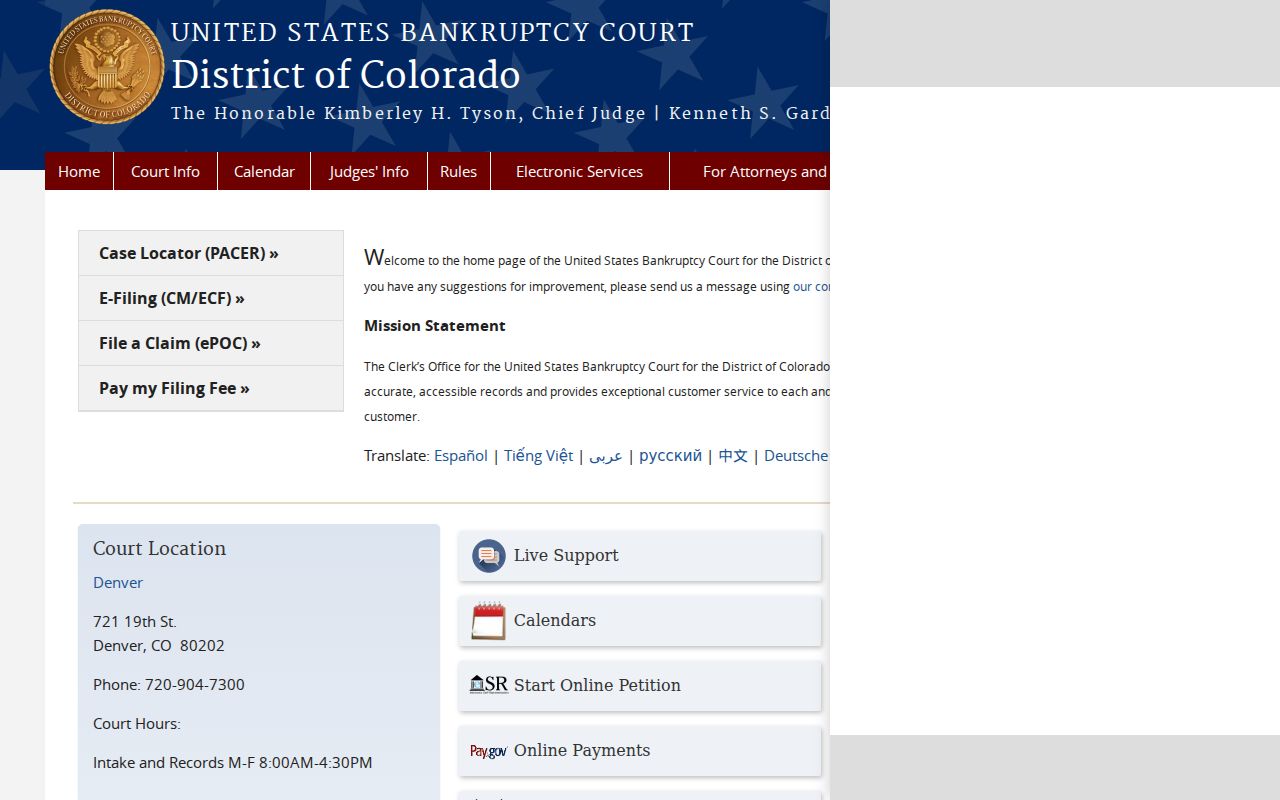
A bankruptcy can still leave traces in a state civil docket. You might see a notice, a stay, or another event tied to the federal case. But the petition and the full federal docket live with the bankruptcy court and PACER, so that is where the case lookup has to happen.
Elbert Civil Docket Appeals and Remands
A civil case can outlive its judgment. One appeal stretches the timeline well past the trial court. Entries such as a notice of appeal, record transmitted, stay, mandate, or remand belong to a chain that only makes sense alongside the trial docket. So search any cross-referenced case number. Confirm which court controls the next step.
Most District Court civil appeals go to the Colorado Court of Appeals. Statutes route a few matters elsewhere, though. When a remand comes back, the trial court takes over again. A fresh Elbert County civil docket setting may show up after the appellate event. That new entry erases nothing. The older trial entries simply stay on the record.