
Searching Cases by Name
The free Colorado Judicial Branch Docket Search supports party searches after Elbert County is selected. Choose Individual or Business before supplying the matching fields. A person search uses first and last name. A business search uses the organization name. Names can return several rows, and a single case can repeat once for each displayed party. Confirm the number and hearing details before treating any row as the intended case.
- Open the Elbert County filtered docket and verify the location.
- Select Individual or Business, then enter the most exact name available.
- Add a narrow date range, court type, or division to reduce unrelated results.
- Compare case number, hearing type, date, appearance type, and courtroom across possible matches.
- Use CoCourts or contact the clerk when a case history or document is needed rather than a hearing row.
The key name-search controls are documented below.
| Field Label | Type | Required | Notes |
|---|---|---|---|
| Location | Dropdown | Effectively yes | Select Elbert County. |
| Court Type | Dropdown | No | Both, County, or District. |
| Division | Text/dropdown | No | Local results can show 1, A, COC, or FCF contexts. |
| Date | Selector | No | Switches to date-search mode. |
| Party type | Individual/Business | Conditional | Changes the available name fields. |
| First and Last Name | Text | Conditional | Used for an individual party search. |
| Business Name | Text | Conditional | Used for an organization search. |
| Date Range | Dropdown | No | Options include today, one week, one month, three months, six months, or a specific date. |
| Specify A Date | Date picker | Conditional | Used for an exact calendar date. |
| Case Number Year | Numeric text | Conditional | Enter the four-digit year. |
| Case Class | Dropdown | Conditional | Options include C, CR, CV, CW, DR, JD, JV, M, PR, R, S, and T. |
| Case Sequence | Numeric text | Conditional | Retain leading zeros when shown. |
| Attorney mode | Name/Bar Number | No | Select the type of attorney search. |
| Attorney Bar Number | Numeric/text | Conditional | Use the exact bar number. |
| Attorney First and Last Name | Text | Conditional | Used when the bar number is unknown. |
| Export Results | Button | No | Exports matching calendar rows. |
| Printable Version | Link/button | No | Opens a print-friendly result table. |
Elbert County Case Search Layers
The free docket search and CoCourts case-history search answer different questions. The first locates public hearing logistics. CoCourts provides broader eligible statewide case history through the Judicial Branch's vendor arrangement and shows its current charge at access. A filed complaint, motion, order, or judgment still comes from the clerk. No one tool is the whole Elbert County case file.
The CoCourts source page assigned to Elbert County case search appears below.
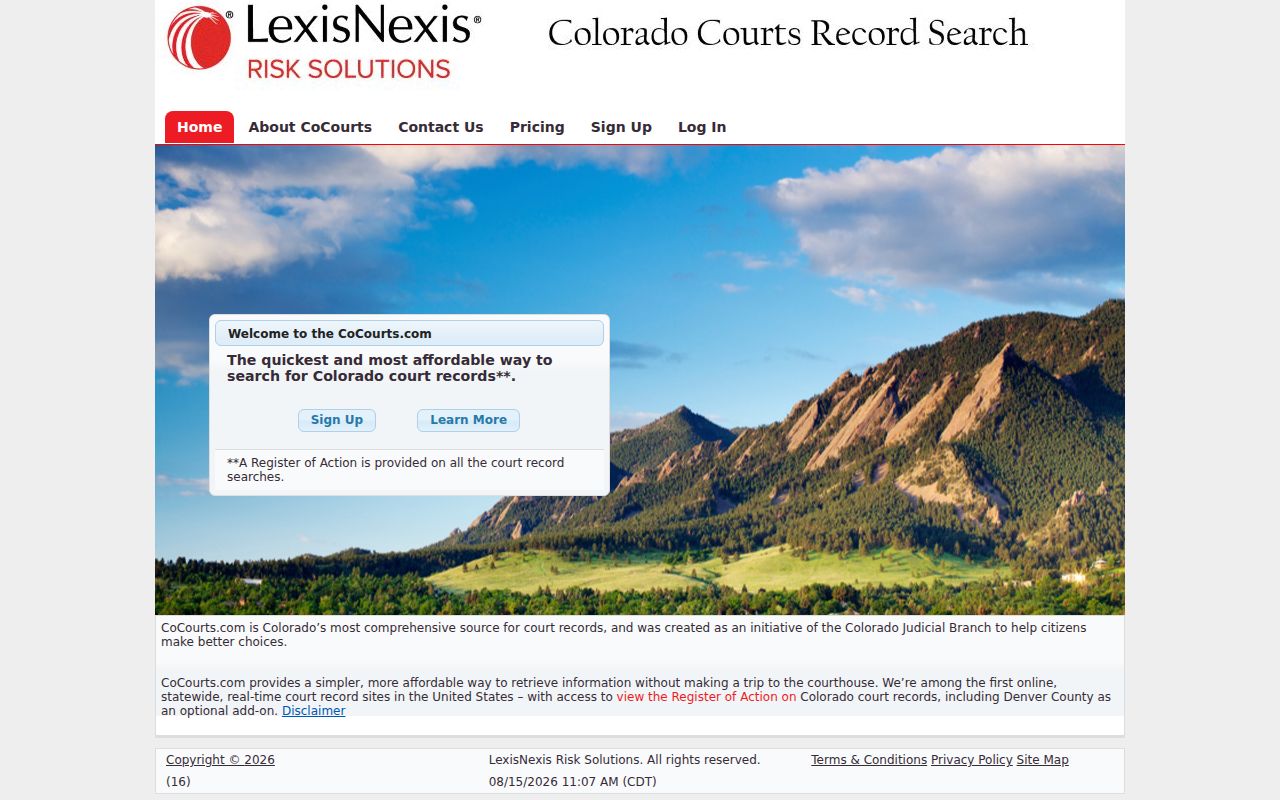
The image marks the broader history layer, not a source of clerk-certified copies.
Searching by Case Number
A complete Elbert County number is the most precise search key. The docket separates it into a four-digit year, case class, and numeric sequence, such as 2026-CR-00123. Enter the year in its field, choose CR from the class list, and retain leading zeros in the sequence when they appear on the source record. Do not combine a county or division code that the interface does not request.
Common local classes include CR for District Court criminal, M for County Court misdemeanor, T for traffic, CV for District Court civil, C for County Court civil, DR for domestic relations, JV for juvenile, and R as a class observed on local first-hearing calendars. Other official choices include CW, JD, PR, and S. An unfamiliar class should be repeated exactly and confirmed with the Clerk of Court.
Elbert County Case Search Codes
Each number segment narrows the Elbert County case search. The year identifies when the sequence was assigned. The letters identify the case class and often point toward District Court or County Court. The final digits distinguish the file from other cases in that year and class. A transposed digit or lost leading zero can create a false no-result.
- CR
- District Court criminal case.
- M
- County Court misdemeanor case.
- T
- County Court traffic case.
- CV or C
- District civil or County civil case.
- DR
- Domestic-relations case, with some content protected.
Municipal ordinance numbers may follow a town's own format and search route. Start with the court printed on the citation or notice.
What a Case Search Returns
The free result is a hearing row. It identifies when and where a listed event is set, but it does not expose the filing history, document images, charge statute, bond, judgment, or account balance. The Name field may be a displayed party rather than the formal caption. Open or closed status and filed dates belong to broader case-history or clerk records, not the basic calendar inventory.
| Case Number | Year, case-class letters, and sequence, such as 2026-CV-00123. |
|---|---|
| Name | A displayed party name that can repeat for the same case. |
| Date and Time | The hearing day, time, and displayed duration. |
| Hearing Type | The scheduled stage, such as arraignment, motions hearing, or return date. |
| Appearance | In person, virtual, telephone, no appearance required, or blank. |
| Location | Elbert County and a courtroom label such as 1, A, COC, or FCF. |
For the event's substance, request the named filing or signed order rather than interpreting the hearing label as a disposition.
Elbert County Payment Case Search
Colorado's court payment screen is another narrow search layer. It asks for Court Location, with Elbert County selected, and a Search By choice of case number, ticket number, or name. It is meant to locate a state-court balance for payment. It is not a complete register of actions and should not be used to decide that a missing balance means a missing case.
The official Colorado court payment search is the source for these fields.
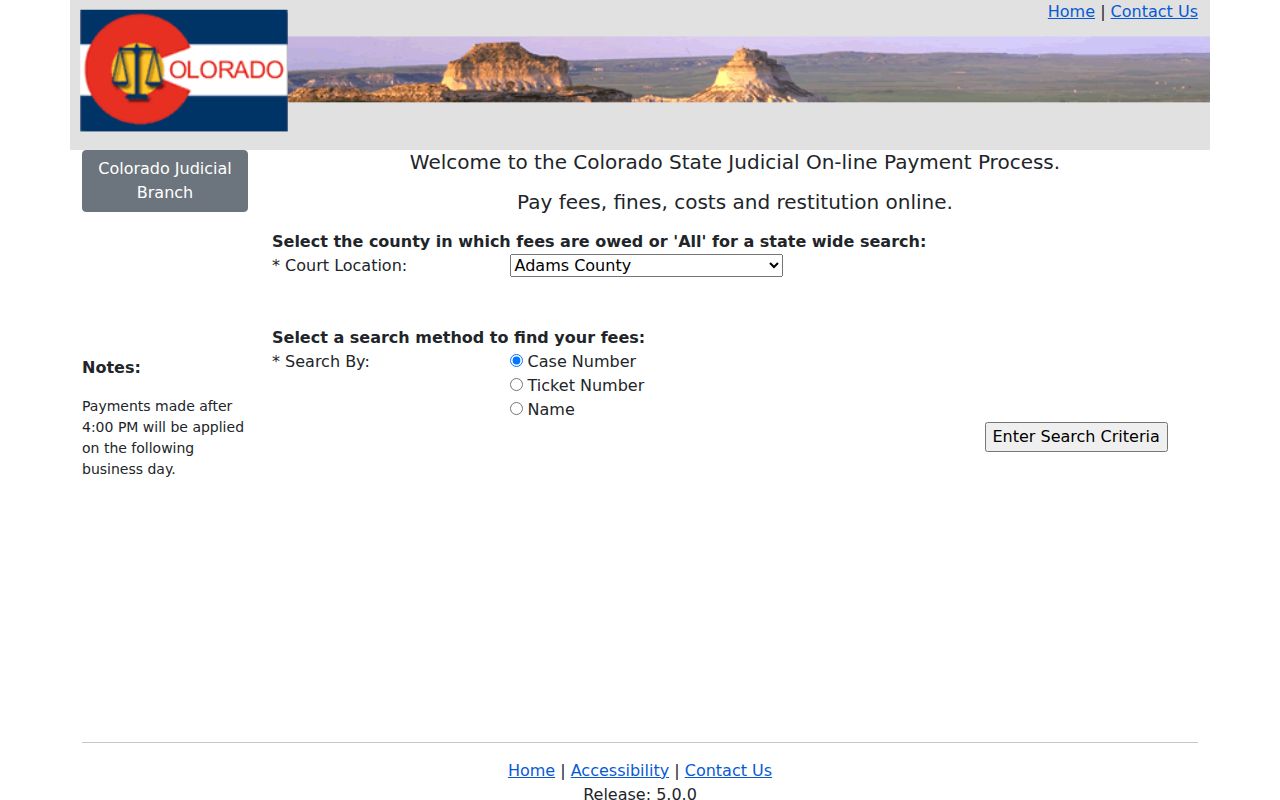
The payment page confirms a separate task-specific tool within the Elbert County case search chain.
Statewide vs County Case Search
Colorado uses statewide services with a county filter rather than a full Elbert-built public register. The free Judicial Branch docket becomes the local search when Location is Elbert County. CoCourts provides eligible statewide case history. The Combined Court clerk provides the actual filed document or certified copy. ICCES is an e-filing system and is not anonymous public docket browsing.
| Channel | Coverage | Best Use |
|---|---|---|
| Judicial Docket Search | Statewide locations, filtered to Elbert | Free upcoming and selected hearing logistics |
| CoCourts | Eligible statewide case histories | Chronological case events beyond the calendar |
| Elbert clerk | District and County Court files held locally | Filed documents, older files, and certification |
| Municipal court | Its own town ordinance and traffic cases | Elizabeth, Kiowa, or Simla matters not in the state search |
Use the municipal route first when a town court appears on the citation or notice. Statewide coverage does not absorb every local ordinance file.
Elbert County Case Search and E-Filing
ICCES, also called Colorado Courts E-Filing, serves filers. Non-attorney e-filing is limited to permitted case types and requires registration, opt-in to the user's own case, and court approval. Current research notes that approval can take up to two business days. Public users should not treat its login as the default route to read any Elbert County case.
The official ICCES login illustrates that filer role.
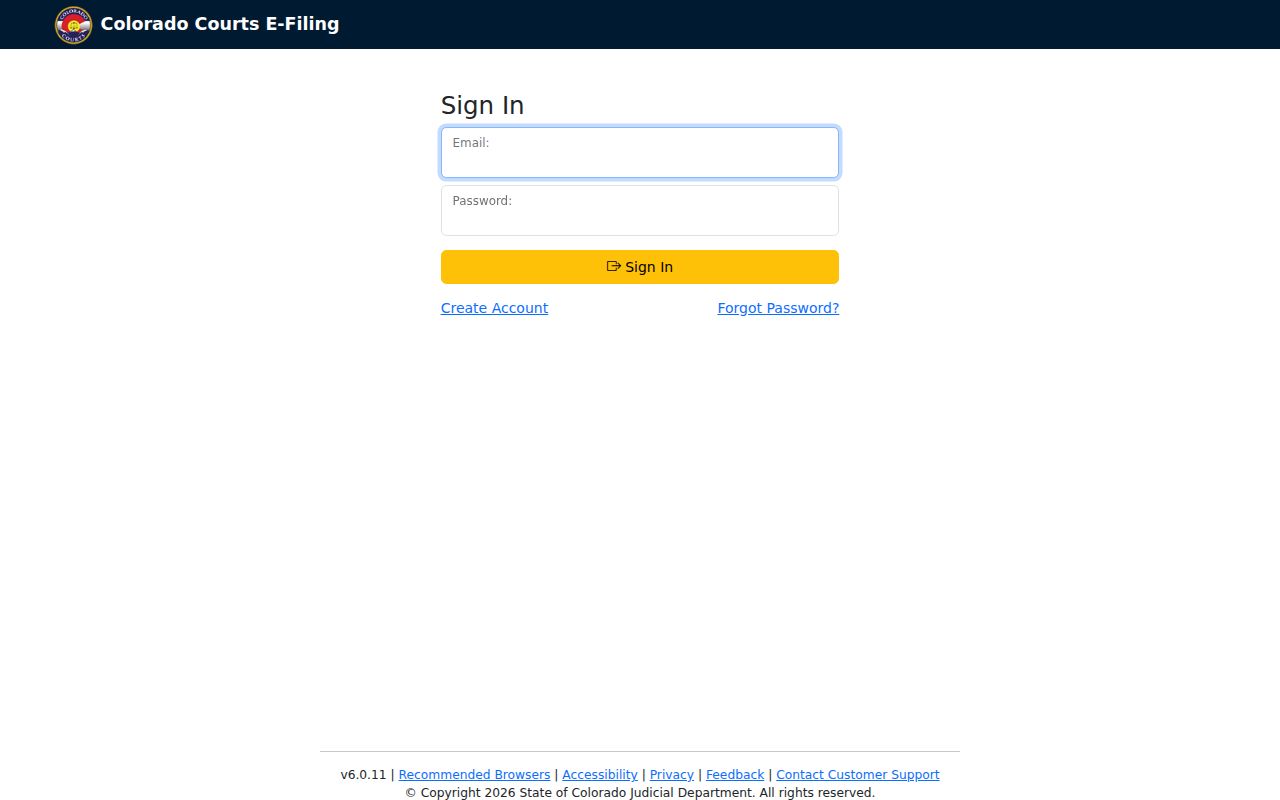
The login gate separates filing access from the free calendar and the clerk's public-record process.
Elbert County Case Search Gaps
A no-result is not proof that no case exists. The docket is hearing-focused, so a case with no event in the chosen date range can disappear from view. Spelling, party type, or an incomplete number can also block a match. Suppressed matters, juvenile cases, protected probate material, and sealed files may show less or nothing. Municipal matters often stay outside the state court search.
Verify the county and court type, widen the date range, and retry the complete number. Next, call 303-621-2131 or visit the clerk at 751 Ute Avenue in Kiowa. Ask what proof is required if access is restricted. For a municipal notice, contact the named town court. Never infer dismissal or expungement from search silence.
Elbert County Case Search Fallback
The Clerk of Court at Elbert County Combined Court keeps District Court and County Court case files. A request can be made through the statewide Record/Document Request Form, at the counter, by mail after payment and return details are confirmed, or by telephone. The court does not accept faxed documents. Ask whether a public-access terminal is available rather than assume one exists.
The official Elbert County courthouse directory assigned to the case search is shown below.
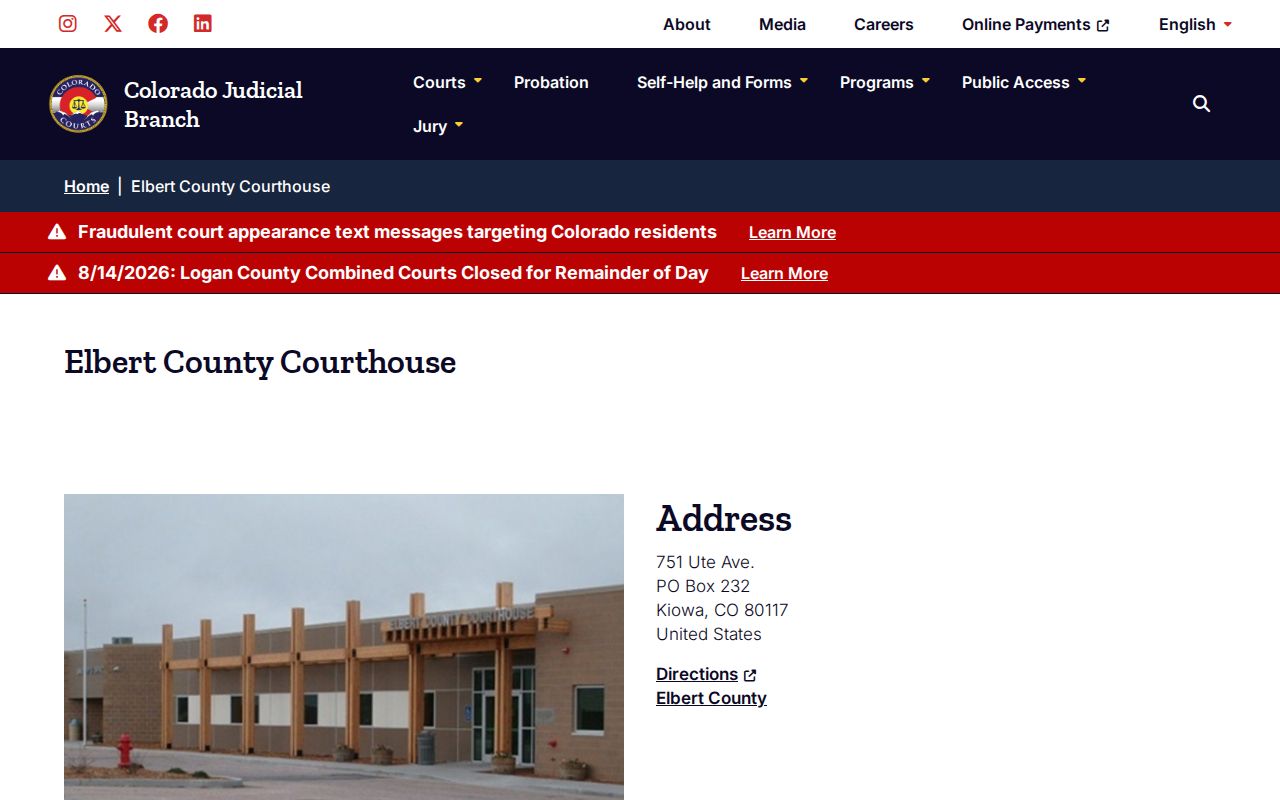
The directory points searchers to the court clerk when the online result cannot answer a document or access question.
Elbert County Case Search Clerks
The elected Elbert County Clerk and Recorder is not the court-records clerk. Its office at 440 Comanche Street handles elections, vehicles, and recorded instruments. It directs court and divorce questions to the Clerk of Court at Elbert County Combined Court. Sending a case search to the recorder can waste a trip and does not produce a certified court judgment.
The official county Clerk and Recorder page documents that division of work.
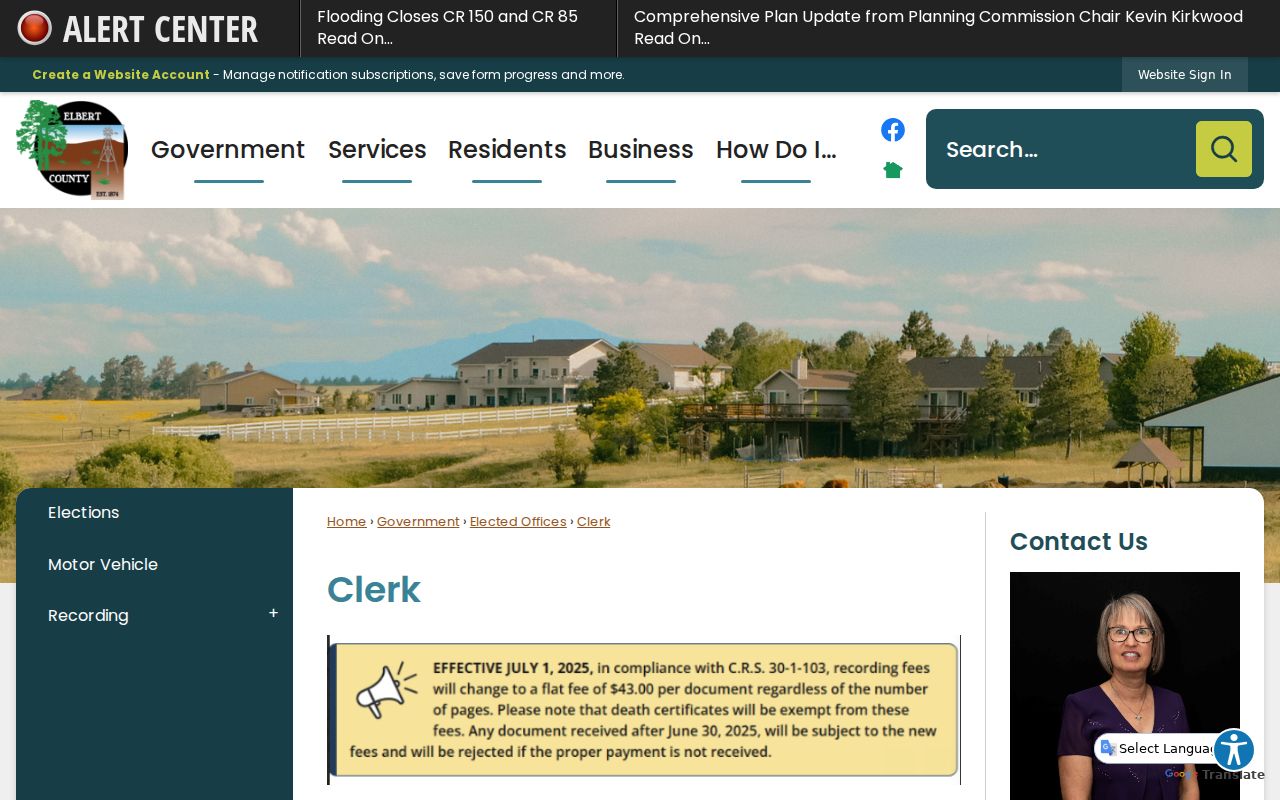
The source helps route Elbert County case requests to the Judicial Branch clerk at the Kiowa courthouse.
Access and Restricted Cases
CJD 05-01 governs access to Colorado court records. Core case-level information can be public unless another exclusion applies, but remote access is not the same as courthouse inspection. Detailed financial screens, free-text fields, contact details, victim or witness data, and impartial-party information can be withheld from remote display. Redaction also protects account numbers, addresses, minors, and other identifiers.
Juvenile, sealed, suppressed, adoption, protected probate, and some family material require special care. The Record/Document Request Form may require government-issued photo identification for suppressed, juvenile, probate, or protected records. A sealing order may limit remote visibility while preserving access for authorized parties, counsel, or agencies. Staff cannot defeat a seal, and access may require proof or a court order.
Finish an Elbert County Case Search
Use the shortest channel that answers the actual question. A hearing date belongs in the free calendar. Chronological events belong in CoCourts or the clerk's register. A motion, order, judgment, or certified disposition must be requested from the clerk. Older off-site records may take more time, and the Colorado State Archives may hold transferred material.
Channel check: If a case number is known but no hearing appears, move from the date-limited docket to the clerk rather than repeating a broad name search.